Notifications keep you informed of activity on your projects: new observation, task edited or completed, document added, mention in a comment, approaching deadline.
Your preferences are personal and apply to all your projects. Open your profile (your avatar at the top right), “Notification preferences” section.
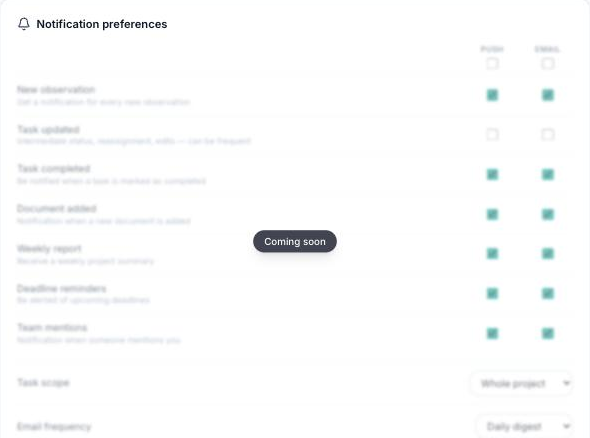
You set three things:
- The channel: email and/or push notification (browser and mobile app).
- The frequency: immediate, daily digest or weekly digest — notifications are then grouped into a single message.
- The task scope: only the tasks assigned to you, or extended to your company, your trade or the whole project.
Each category (new observation, task edited, task completed, document added, mention, deadline reminders, weekly report) can be turned on or off separately. The scope only applies to task events: mentions and documents are not affected.
In a project, the bell in the navigation bar gathers the notifications you have received; “Mark all as read” clears them in one click.
