Your company's or the site's logo is shown on the project dashboard and on the cover page of PDF reports.
Open the project: on its dashboard, at the top right, click the logo placeholder (or the logo already in place, then “Change”).
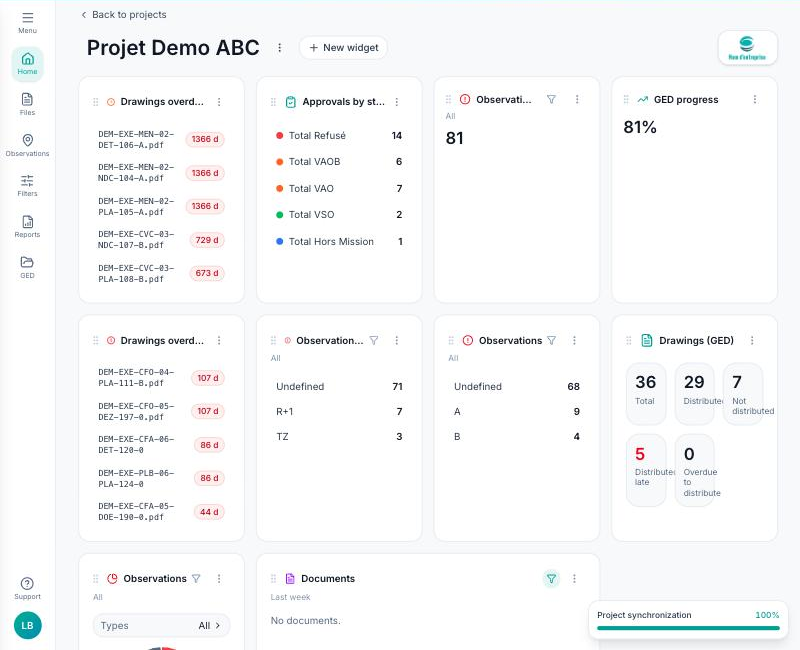
Choose an image in PNG, JPEG or WebP format (100 MB maximum). It is saved immediately and visible to all project members.
For the project cover photo (the one on its card in “My projects”), use the card's “⋯” menu, then “Edit”.
