All of a project's setup is done from its “Settings” menu (gear icon in the project navigation bar). It is reserved for members with the “Can configure the project” right — the project creator and administrators have it automatically.
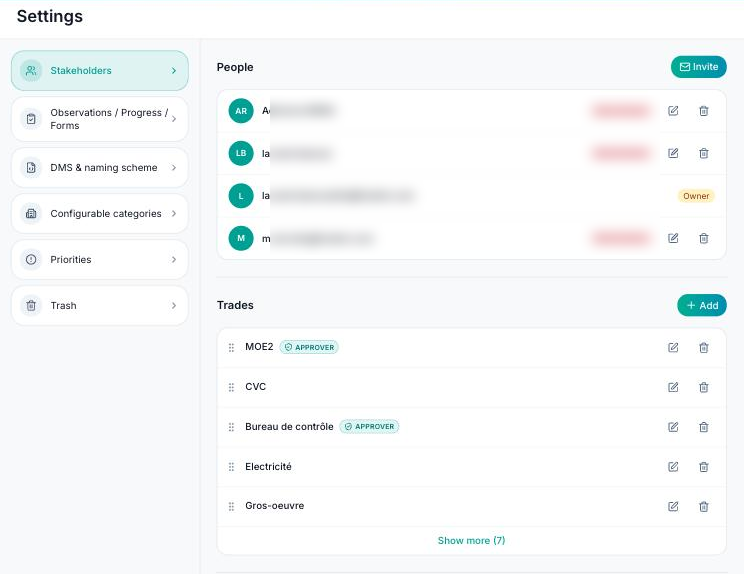
Settings are grouped by tab:
- Stakeholders: the people on the project (members, invitations, rights), trades, plan approvers and companies.
- Observations / Progress / Forms: the observation, progress and form types, with their statuses.
- CDE & naming scheme: the naming scheme for your plans and the approval workflow (plan reviews).
- Configurable categories: the structure of your site — buildings, floors, areas, housing units — used to locate observations.
- Priorities: the priority levels of observations, with their colour.
- Trash: items deleted from the project, which can be restored.
In each list, the “Add” button creates an item, the pencil icon edits it and the bin icon deletes it. You can reorder items by dragging them: this order is the one shown everywhere in the app.
Tip: start with trades, then observation and form types, before inviting the team — members' rights are based on trades.
