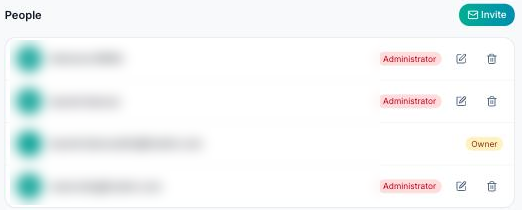
Go to Settings → Stakeholders, “People” section, then click “Invite”.
Enter the person's email address and choose their role:
- Administrator: all rights, including project setup and inviting members. “All trades” is assigned to them by default.
- Member: creates, edits and closes the observations of their trades.
- Viewer: views the project without changing it.
- Custom: you set each right yourself.
The rights applied by the role are always detailed under the selector — creation, reading, editing, closing, deletion, file import, project configuration. Changing any of them automatically switches the role to “Custom”.
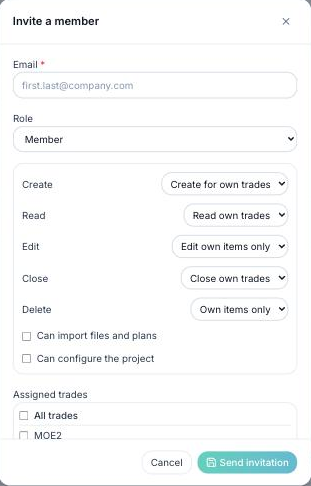
Then tick the person's trades (or “All trades”). For a member, at least one trade is required: otherwise their “for their trades” rights would have no scope. If a company is linked to the chosen trades, you can associate the person with it.
Click “Send invitation”. The person receives an email; the invitation appears under “Pending invitations” until they accept it from their “My projects” page (14 days maximum). You can revoke it at any time.
If the person does not have a FunBIM account yet, they create one with the same email address: the invitation will be waiting for them at their first login.
To change a member's rights or trades later, use the pencil icon on their row. The project creator cannot be removed from their project.
