Open the form from the list or the plan, then click “Form” in its sheet: the PDF is shown full screen, ready to be filled in.
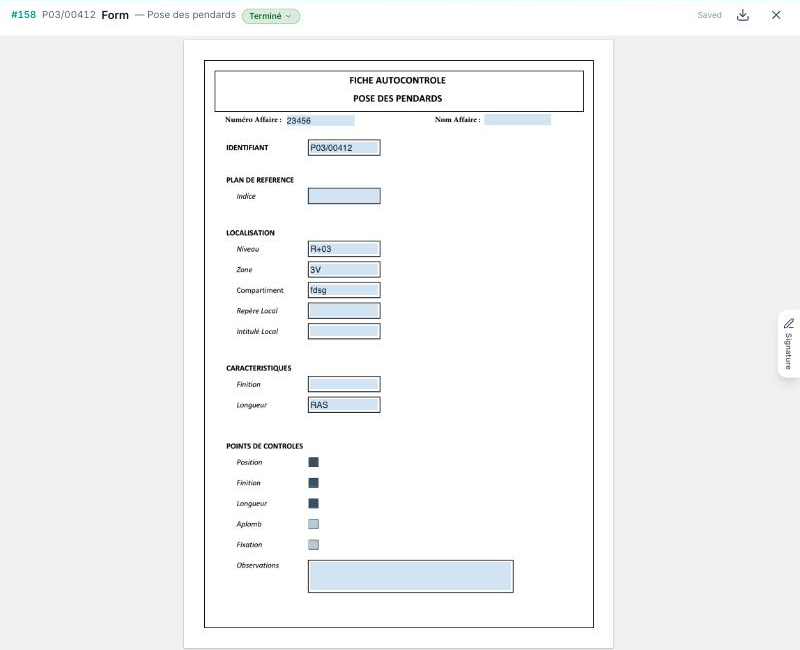
Fill in the fields directly in the PDF: text, checkboxes, lists, dates. Each entry is saved automatically (“Saved” shown at the top) and is visible to the other members, on the web as well as on tablets.
The “Signature” button opens the form's signature field: sign with your finger, a stylus or the mouse. Once the form's status is set to “Done”, the PDF becomes read-only; “Flatten fields” downloads a flattened version, and “Export comments” adds the discussion thread to it.
The values entered also appear in the “Form fields” section of the sheet and in the list columns (“Configure columns” → “Form fields”).
