A form type is a template (quality check sheet, handover certificate, inspection report…) that your teams fill in on site. It is based on an interactive PDF: each field of the PDF becomes a FunBIM field.
Go to Settings → Observations / Progress / Forms, “Form types” section, then “Add”.
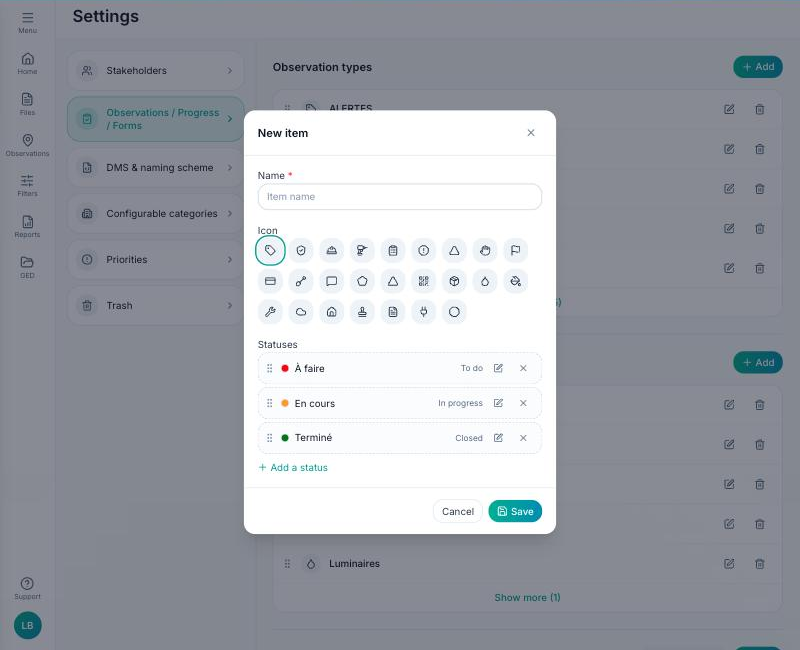
- Give the type a name and an icon.
- In “PDF form”, import your interactive PDF (created with Word, Acrobat or LibreOffice, with real form fields). FunBIM reads its fields and lists them; multiple-choice boxes are converted to exclusive choices so they can be filled in on a tablet.
- Define the applicable statuses, as for an observation type.
- Optional: a default value for each field, with the tokens $$projectName, $$authorName and $$dateNow (see “How do I pre-fill a form?”).
Save: the type is available in “Forms” and in the plan toolbar.
