A form is created like an observation, from the plan or from the “Forms” list.
On the plan: “Forms” in the toolbar, choose the type, then click the relevant spot. From the list: “Form” button, then the type.
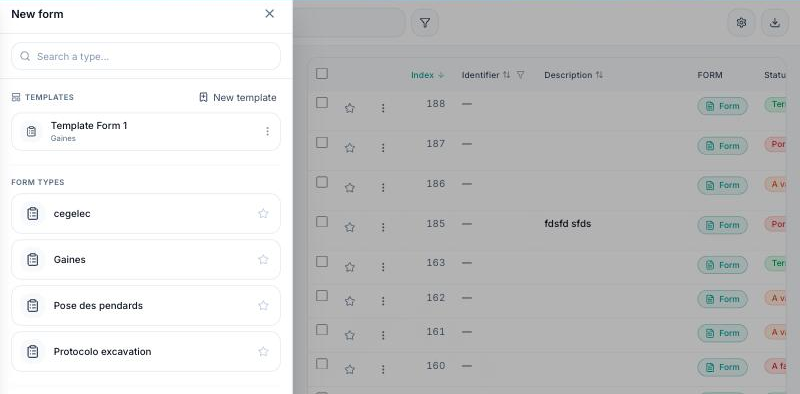
The creation sheet asks for the title, status, trades, location and any photos; the form then opens so it can be filled in. It gets an automatic number, separate from the observation numbering.
