In “Forms”, filter on a type if needed, then use the export button at the top right → “Excel export”.
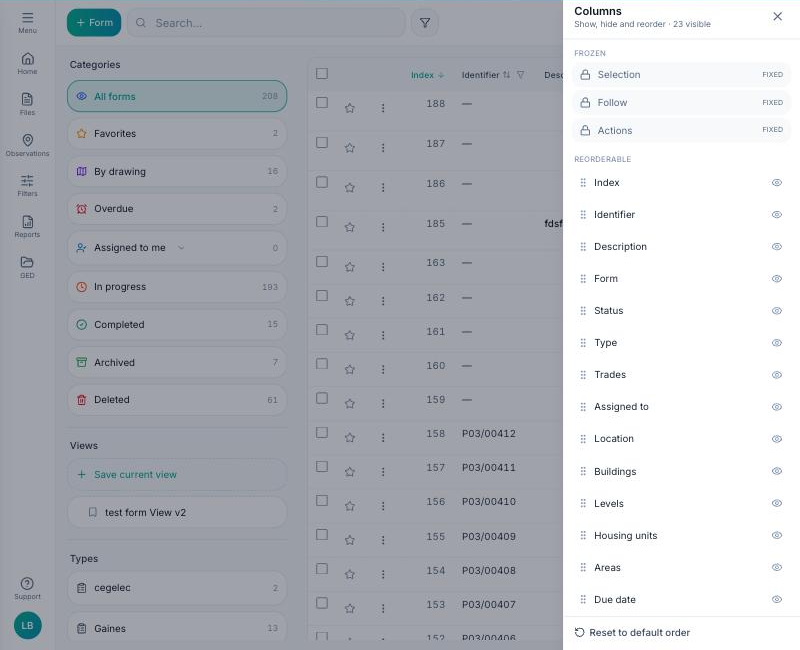
The file contains one row per form and, in addition to the standard columns (number, status, trades, location, dates), one column per form field — turn them on first in “Configure columns” → “Form fields”.
The reverse also works: Settings → Form types → “Excel import” icon of a type imports field values from an Excel file, row by row, by matching the file's columns to the form fields. Rows without an identifier are ignored.
