In the tree on the “Files” page, drag the file or folder to its destination folder and release it.
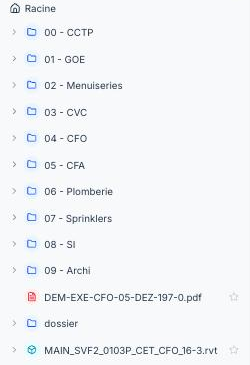
You can select several items (Ctrl/Cmd + click) and move them in one go. A moved folder takes all its contents with it.
Moving changes nothing for the observations and annotations attached to the plan: they follow the file.
