No PDF plan on your site? Scan the room directly with your iPhone or iPad Pro.

1

Open the Files tab, then tap New.
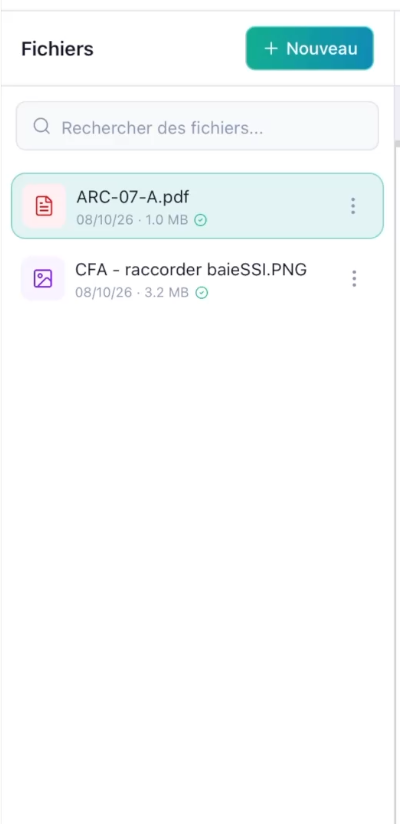
Files tab with the New button at the top right and the list of the project's files
2

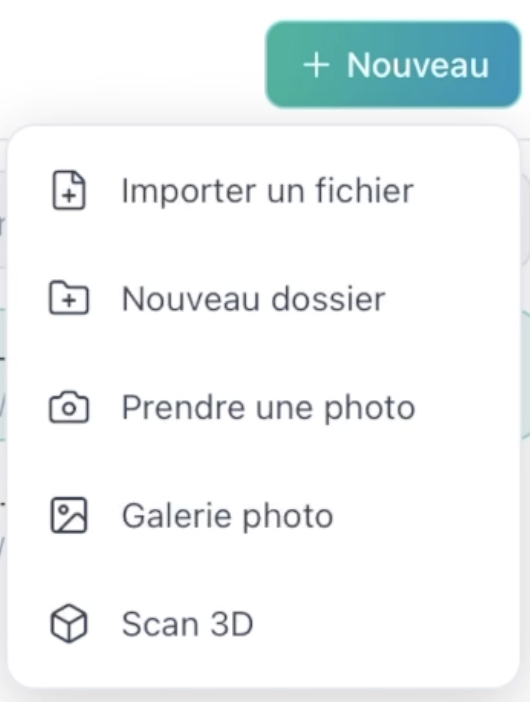
Select Scan 3D.

New menu with the options Import a file, New folder, Take a photo, Photo gallery and Scan 3D
3

Walk slowly around the room, filming the walls, floor and ceiling.
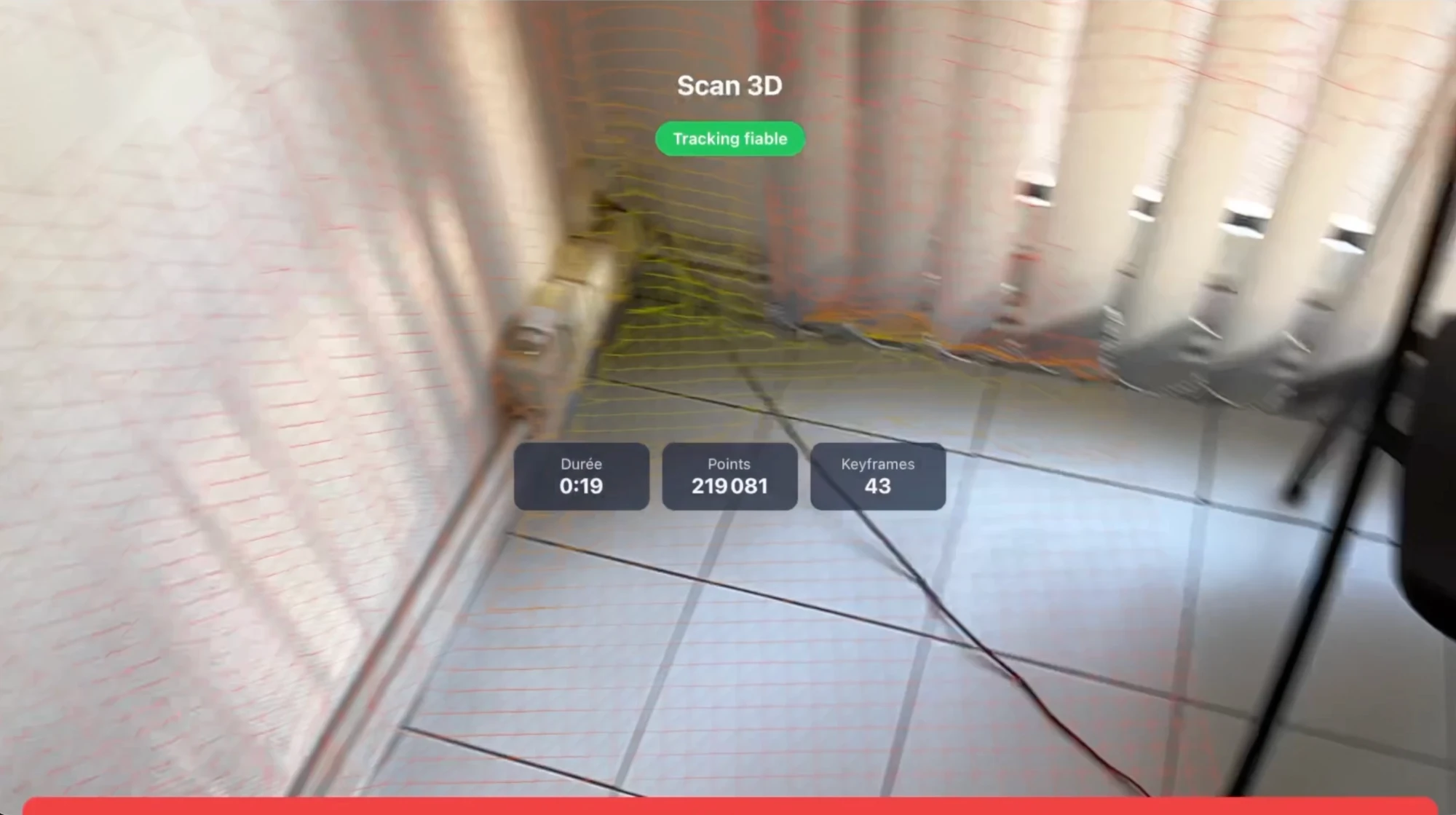
3D scan in progress, with the Tracking reliable indicator, the duration and the number of points and keyframes
4

Confirm the scan: the room becomes your working base, just like a plan.
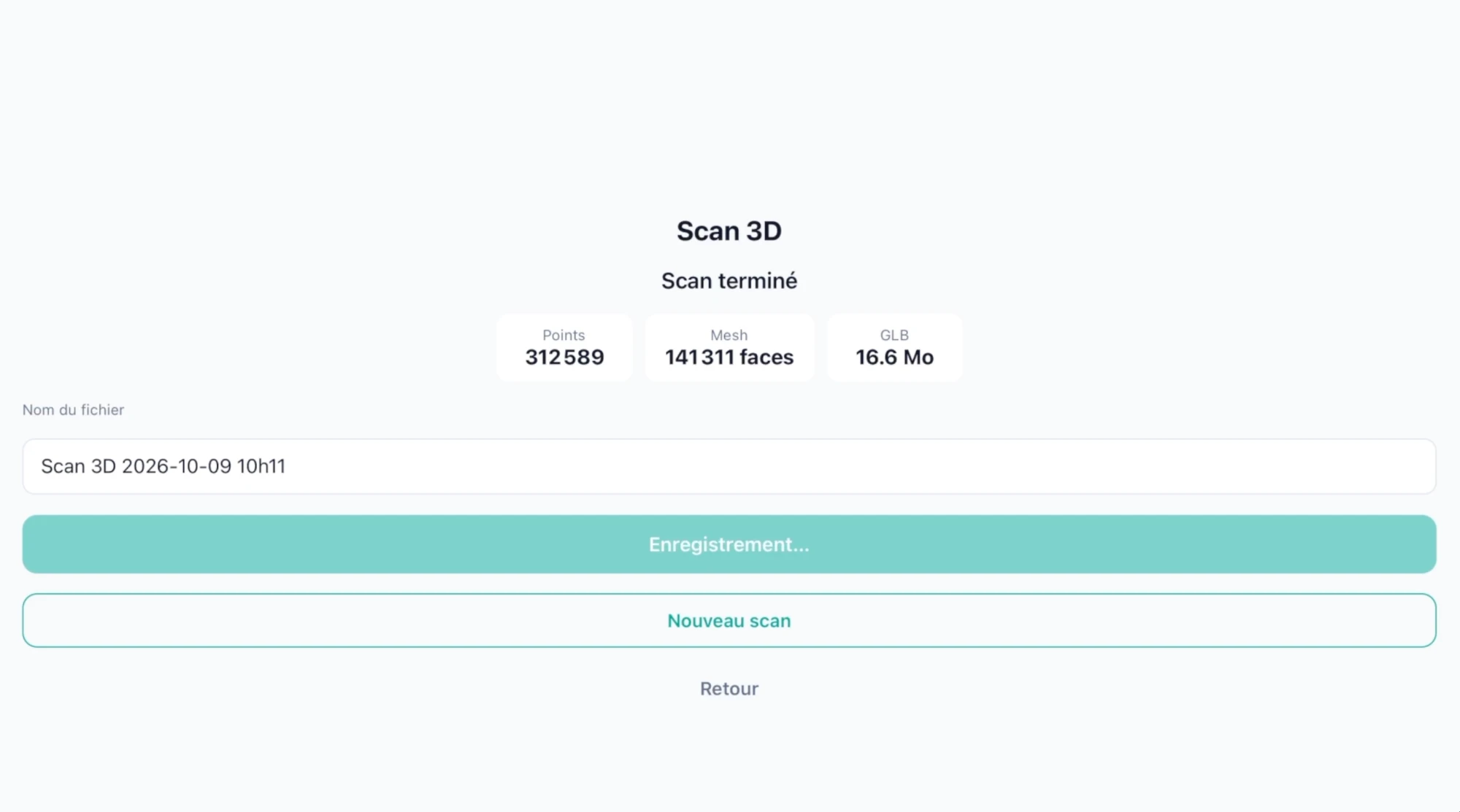
Scan complete screen with the file name, the number of points, the mesh and the size of the GLB file
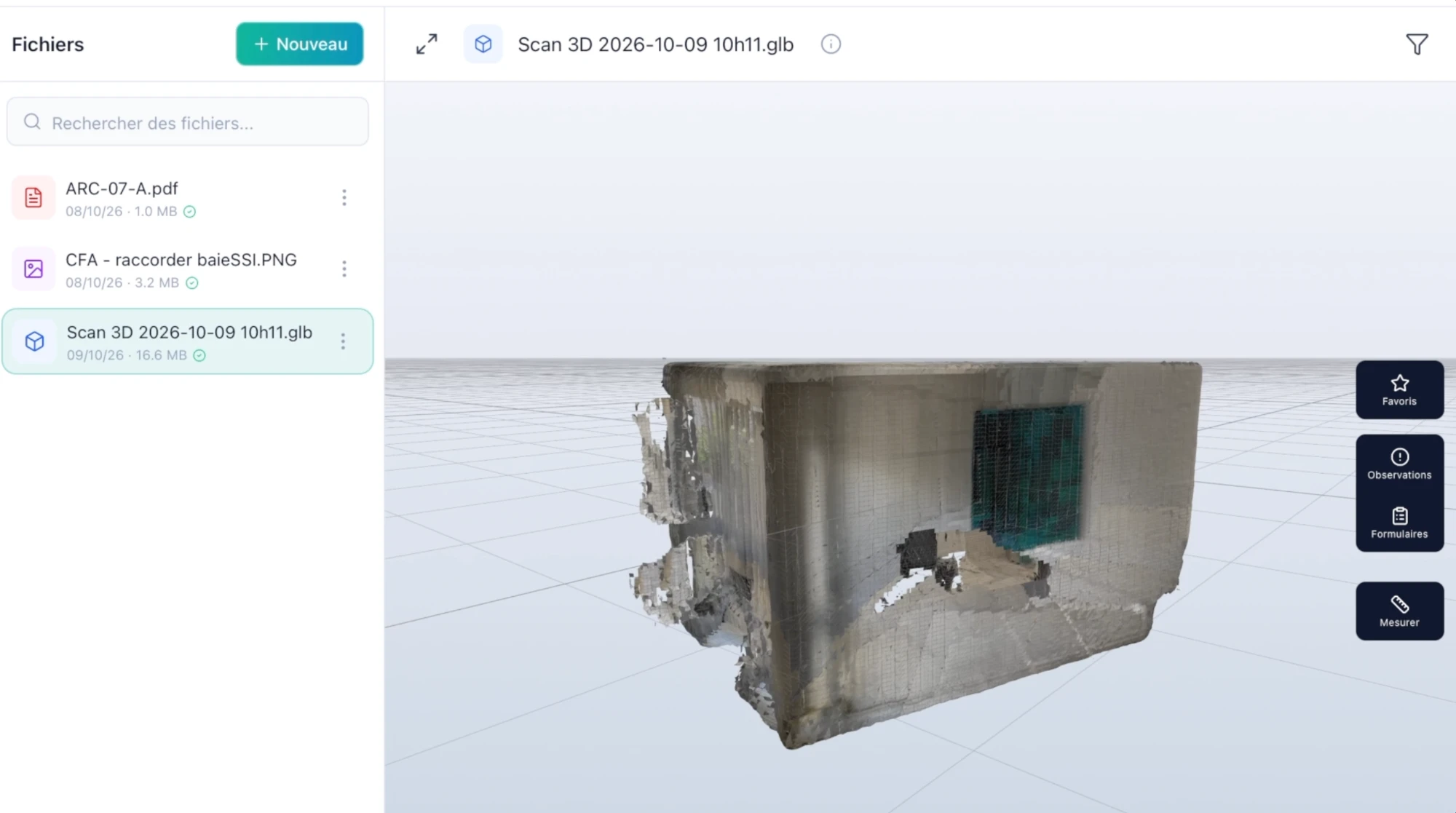
The 3D scan added to the file list and shown in 3D, with the Favourites, Observations, Forms and Measure buttons
5

Take your measurements directly on the model.
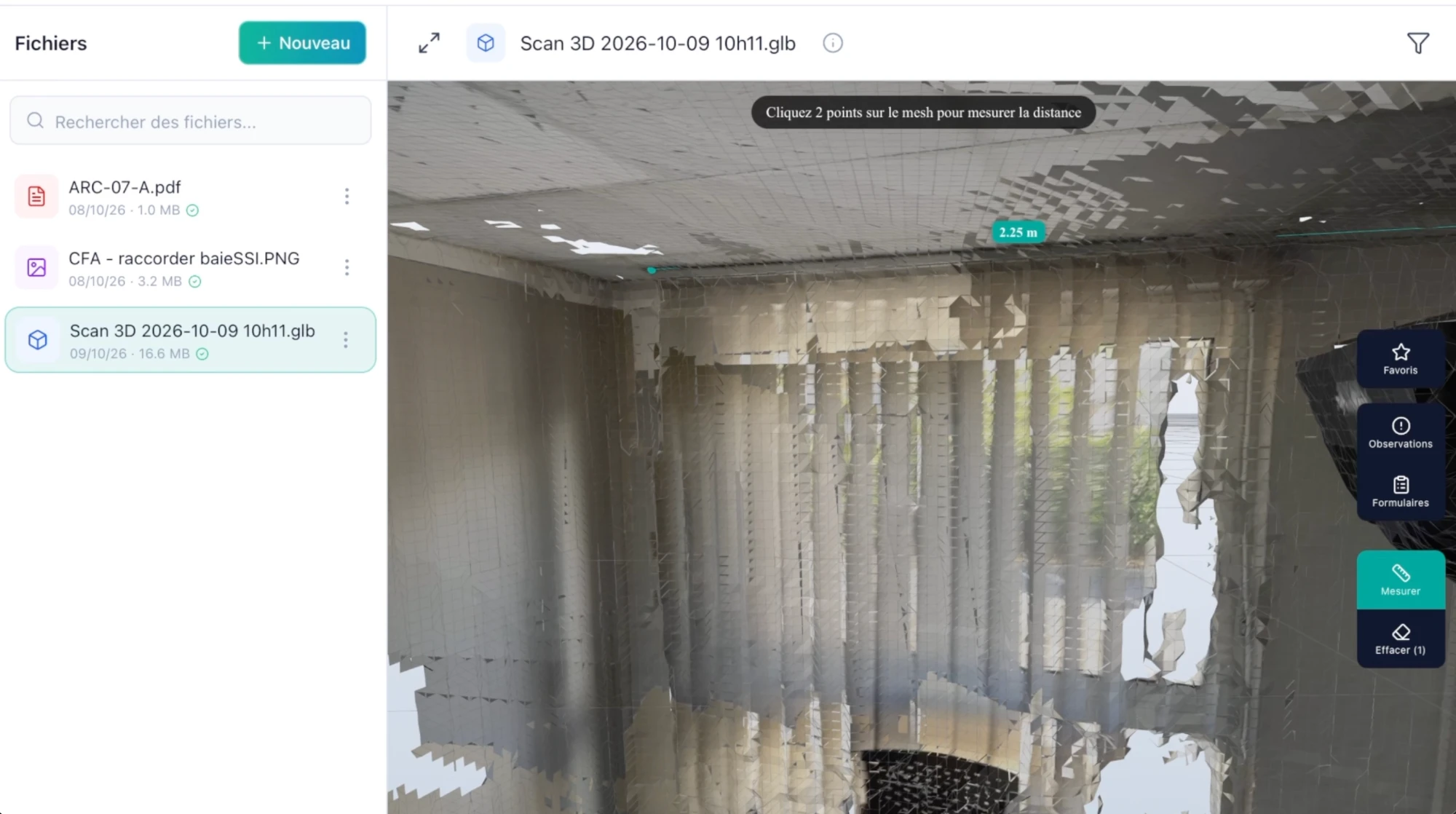
Measuring a distance between two points in the scanned room, shown in metres
6

Add your observations and photos in the scanned room to track progress.
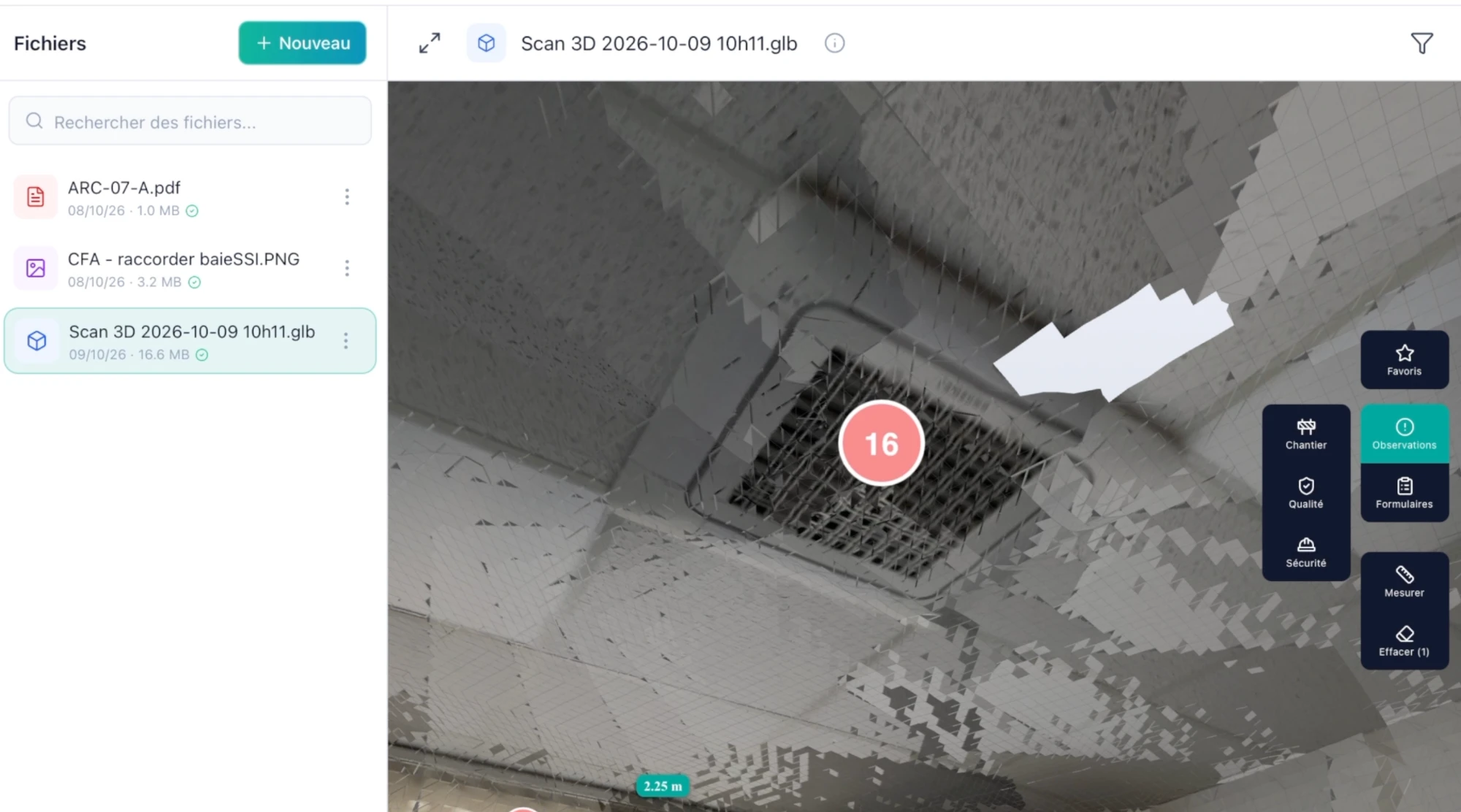
Numbered observation placed on the ceiling of the scanned room, with the Site, Quality and Safety categories

Available on iPhone Pro and iPad Pro models fitted with a LiDAR sensor.