The measurement tools (distance, perimeter, area) are available on tablets as on the web, in the plan toolbar.
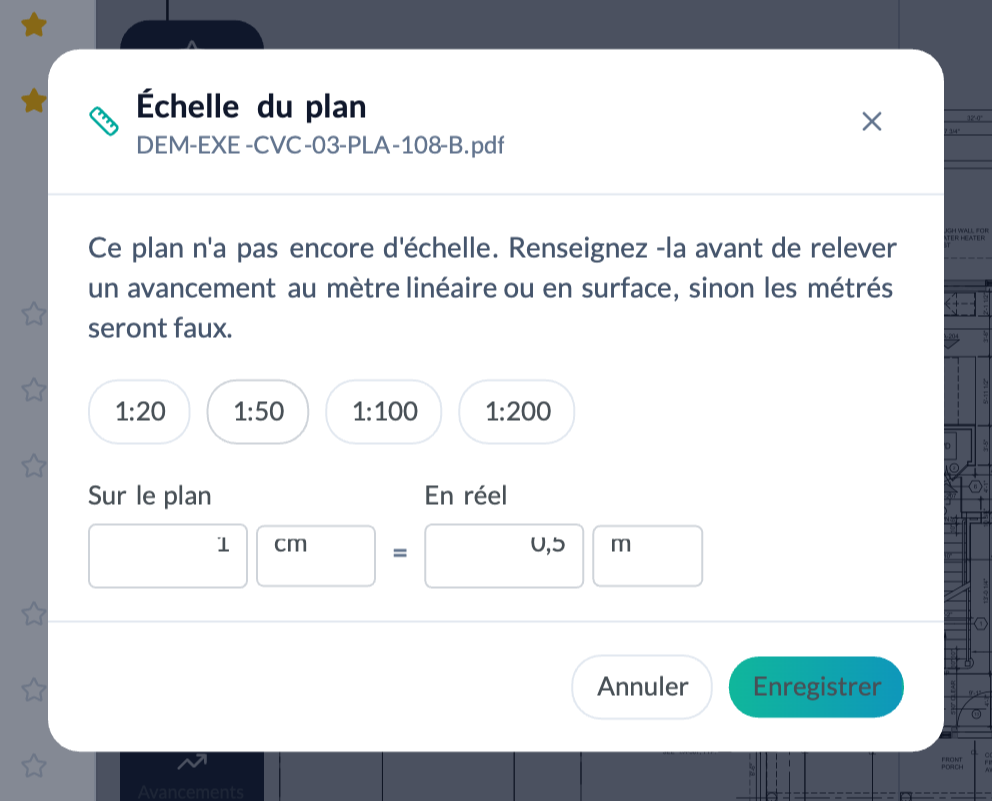
A measurement only makes sense if the plan has a scale. The first time you measure on a plan without a scale, FunBIM asks you for it: choose a preset (1:50, 1:100…) or enter the “on the plan = in reality” ratio. The scale is saved for everyone.
Then select the measurement tool and draw: the value is shown on the plan and follows the annotation if you move it.
To track progress in linear metres or in area, use progress types instead (“Progress” menu): the measurement is then linked to a trade and a status, and feeds the dashboard.
