Open the observation: each field of the record can be edited in place (status, priority, due date, trades, location, description, custom fields) and is saved automatically.
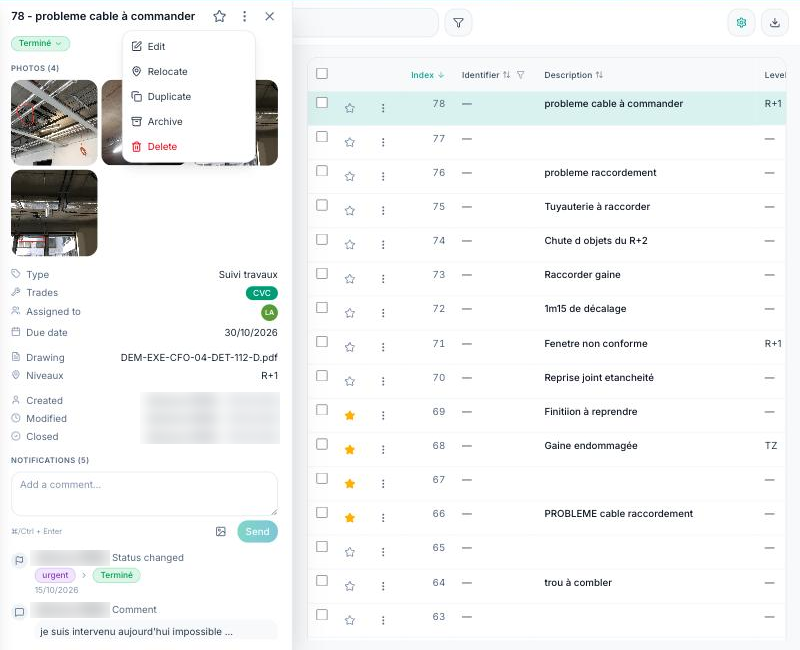
To change the status without opening the record, click the status badge in the list, or the pin on the plan then “Change status”.
To edit several observations at once, tick them in the list then “Edit”: only the fields you fill in are applied to the selection.
What you can edit depends on your rights on the project: a member limited to their trades or to their own items does not see the actions they are not allowed to perform.
