When adding a photo to an observation (creation form or comment), click “Annotate photo”.
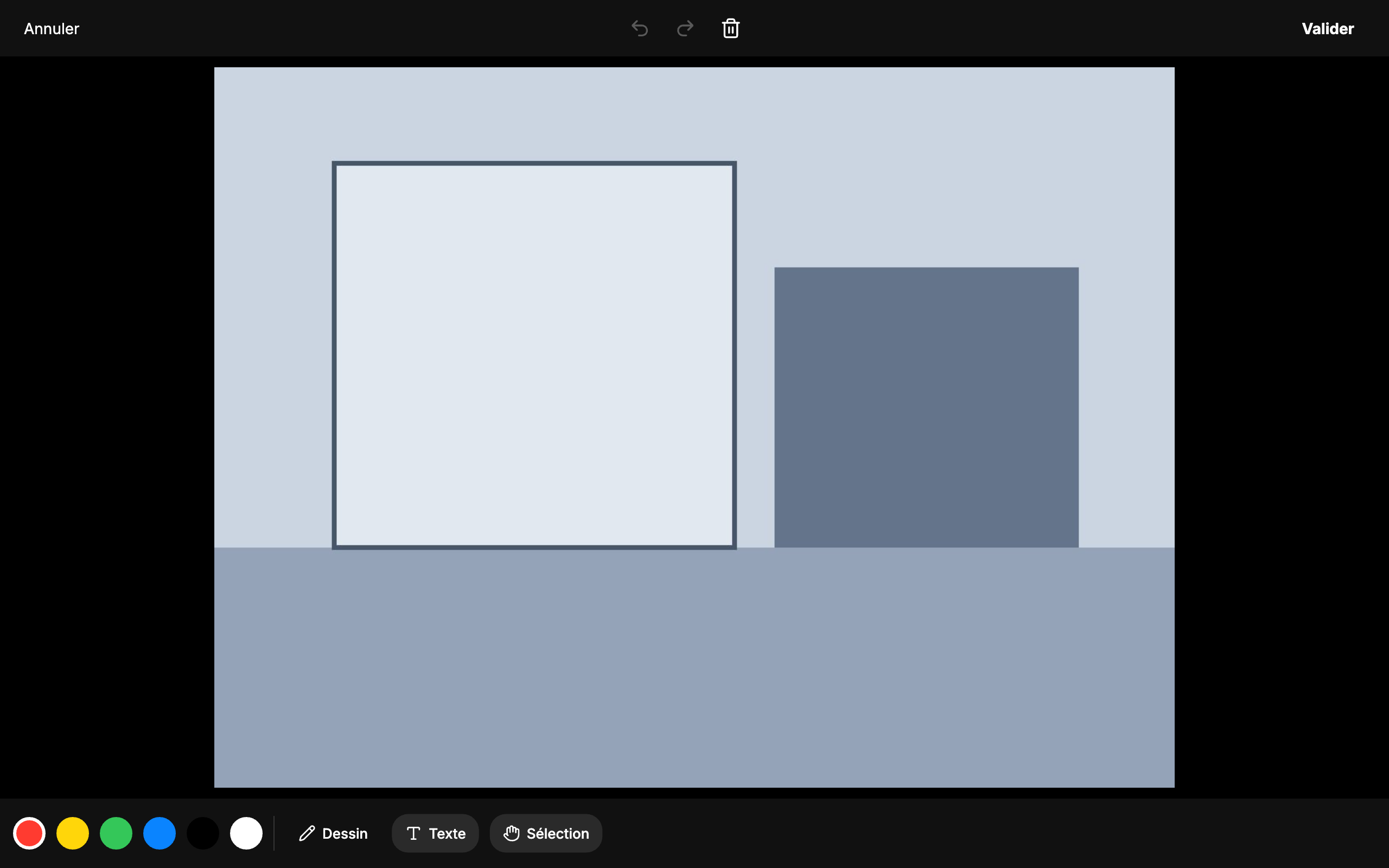
The editor offers freehand drawing, text, selection to move an item, colour choice, undo / redo, and “Clear all”. “Done” saves the annotated photo.
On a tablet, you annotate with your finger or a stylus, right after taking the shot.
